🎉 Up to 70% Off Selected ItemsShop Sale

Product image 1
HomeStore

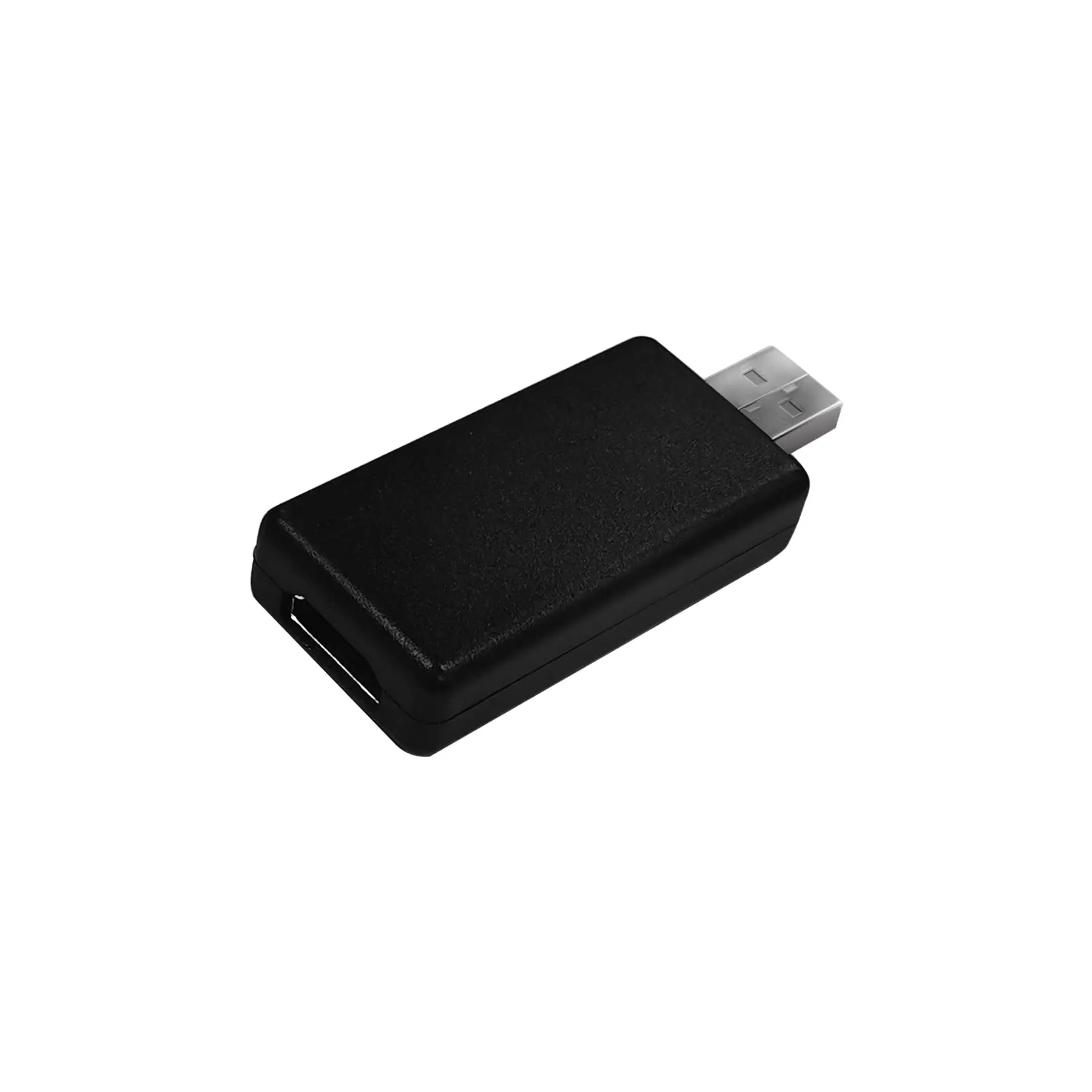
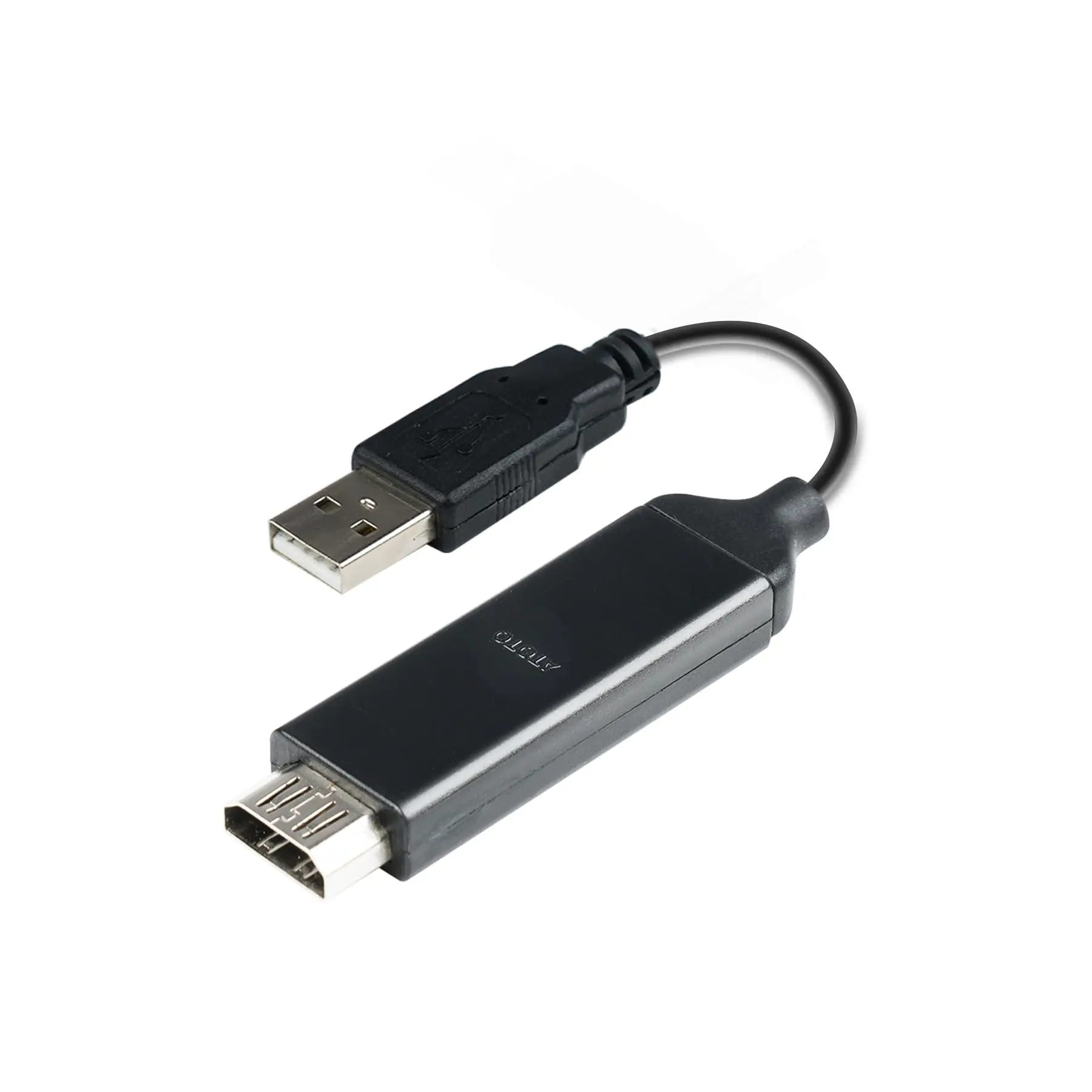
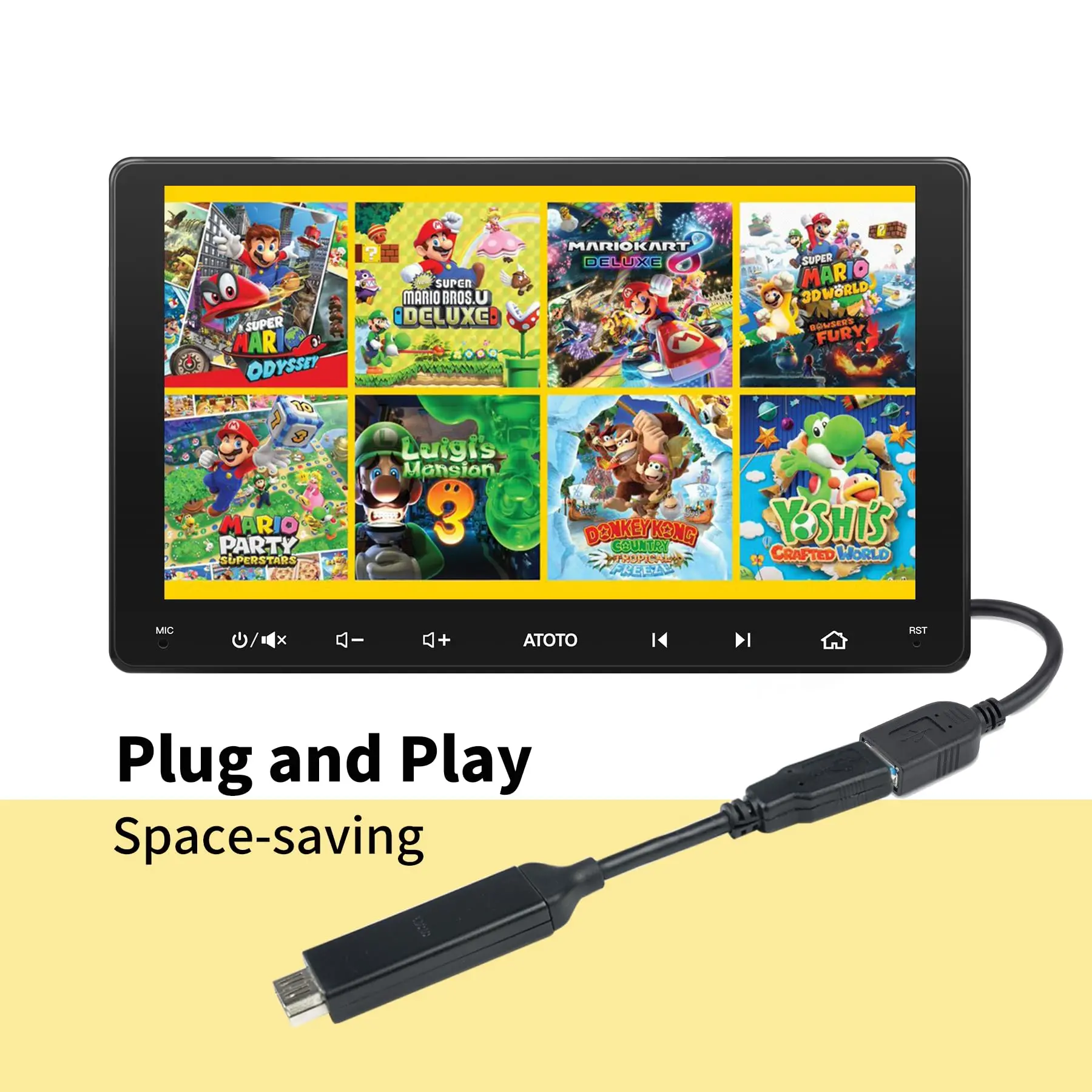
ATOTO AC-AHV68 USB to HDMI Video Out Adaptor for S8 Gen 2 & A6 Car Stereos (Incompatible with X10, F7, A5 Series)

ATOTO AC-AHV68 USB to HDMI Video Out Adaptor for S8 Gen 2 & A6 Car Stereos (Incompatible with X10, F7, A5 Series)

Troubleshooting:

  • Issue 1: Screen flickering and unstable image.

Solution:

  1. Ensure HDMI cable and USB port are securely connected.
  2. Inspect HDMI cable for damage (scratches, tears, twists); consider trying a different cable.
  3. Verify video format compatibility with car stereo; lower resolution if needed.

  • Issue 2: No signal on the screen.

Solution:

  1. Verify that the ATOTO AC-AHV68 adaptor is correctly matched with compatible car stereo models (ATOTO S8 Gen2, A6 PF, A6 PP series). It is not compatible with ATOTO S8 Gen 1, F7, SA102, A6 KL, A6 Y, ect. and any other Brand's car stereo models.
  2. Ensure the adaptor is connected to the car stereo's designated USB port for External Storage. If the wrong USB port is connected, the signal will be lost.

  • Issue 3: Screen freezing and can not play normally

  1. Verify video format compatibility with car stereo; lower resolution if needed.
  2. Close unused apps on car stereo, clear connections, cache, and restart phone before reconnecting to watch.

$11.07

Original: $36.90

-70%
ATOTO AC-AHV68 USB to HDMI Video Out Adaptor for S8 Gen 2 & A6 Car Stereos (Incompatible with X10, F7, A5 Series)

$36.90

$11.07

Product Information

Shipping & Returns
Description

Troubleshooting:

  • Issue 1: Screen flickering and unstable image.

Solution:

  1. Ensure HDMI cable and USB port are securely connected.
  2. Inspect HDMI cable for damage (scratches, tears, twists); consider trying a different cable.
  3. Verify video format compatibility with car stereo; lower resolution if needed.

  • Issue 2: No signal on the screen.

Solution:

  1. Verify that the ATOTO AC-AHV68 adaptor is correctly matched with compatible car stereo models (ATOTO S8 Gen2, A6 PF, A6 PP series). It is not compatible with ATOTO S8 Gen 1, F7, SA102, A6 KL, A6 Y, ect. and any other Brand's car stereo models.
  2. Ensure the adaptor is connected to the car stereo's designated USB port for External Storage. If the wrong USB port is connected, the signal will be lost.

  • Issue 3: Screen freezing and can not play normally

  1. Verify video format compatibility with car stereo; lower resolution if needed.
  2. Close unused apps on car stereo, clear connections, cache, and restart phone before reconnecting to watch.